

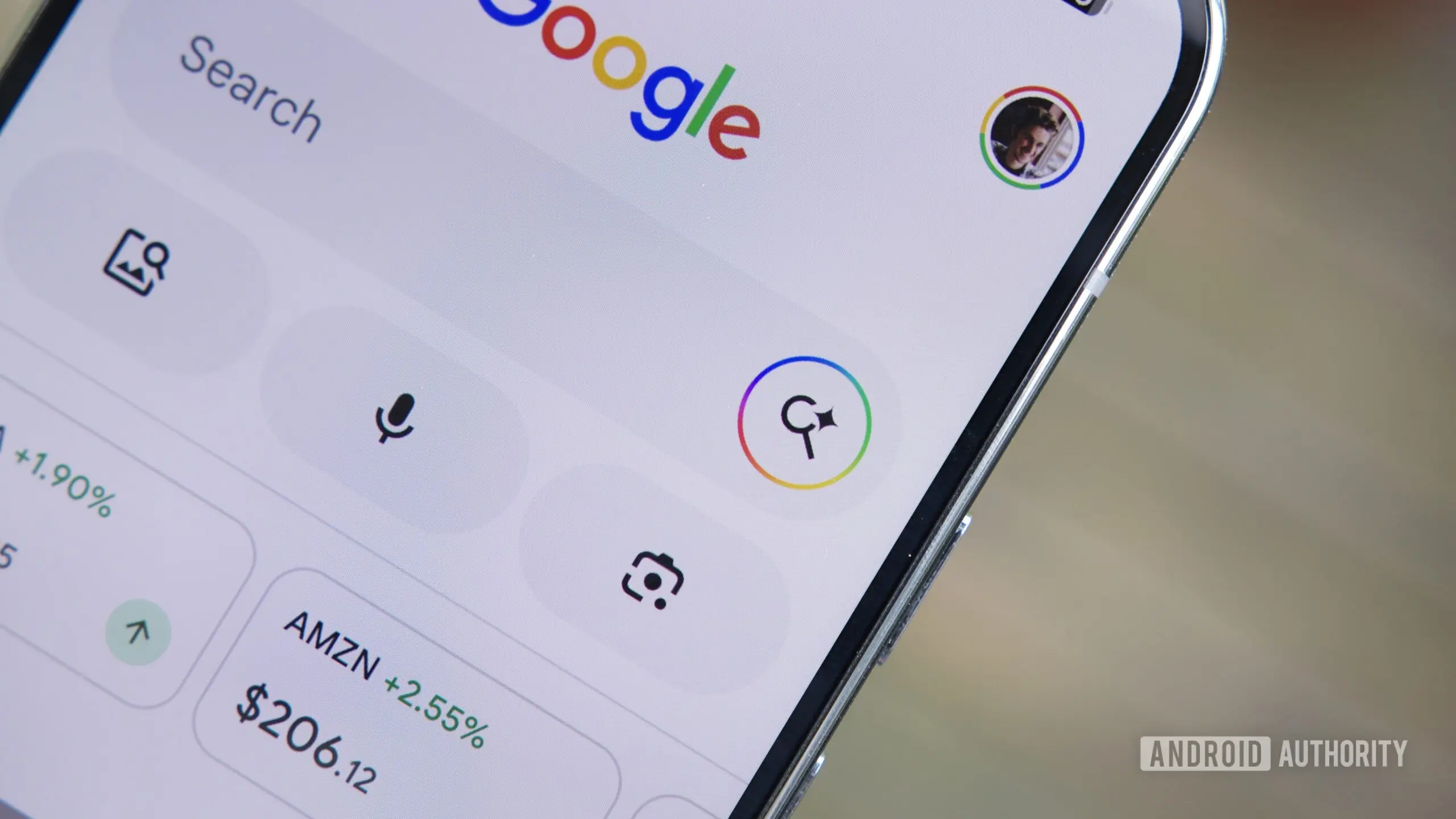
Google Introduces 'Ask' Button for AI-Powered Webpage Queries
Google has begun testing a new feature for its Search app on Android that aims to streamline how users interact with webpages. Dubbed the 'Ask' button, it appears in the custom tab window that opens when tapping a search result link. Instead of manually copying text or switching between apps, users can now directly ask AI questions about the content of the page they are viewing.
How the 'Ask' Button Works
When a user taps a search result link on Google Search (Android), the webpage opens in an in-app custom tab. At the bottom of this tab, a new 'Ask' button appears. Tapping it launches AI Mode with the webpage automatically attached as context. Users can then type or speak questions about the page—such as summarizing a long article, extracting key data points, or clarifying complex terms. This goes a step beyond the existing 'Summarize' feature in Google's Gemini assistant, allowing for interactive, follow-up queries.
For example, if a user opens a recipe website, they can ask "What is the cooking time?" or "Are there any dairy-free substitutes?" without leaving the custom tab. If they want to return to the original webpage, a simple tap on the downward-facing arrow in the top-right corner closes AI Mode.
Comparisons with Existing Features
This functionality builds on Google's earlier introduction of AI Mode in Chrome for Android, which already allowed users to "add tabs to searches." In Chrome, users can open AI Mode by tapping the + icon and then select specific open tabs to use as context. The new 'Ask' button effectively extends that capability to the Google Search app itself, making it more accessible from search results.
It also overlaps with the "Summarize page" feature in Gemini, but the key difference is interactivity. While summarization provides a static overview, the 'Ask' button enables dynamic, question-driven exploration of the page's content. This is particularly useful for long research papers, product reviews, or comparison articles where targeted information is needed.
Additional Attachments: Files and Google Drive
Beyond webpages, Google is also testing the ability to attach files from a device's internal storage and Google Drive directly within AI Mode. In version 17.24.25 of the Google app for Android, coders discovered hidden options to attach local files (PDFs, images, documents) and Drive files as context for AI queries. While not yet live, this feature would allow users to ask questions about their own documents—such as "What are the key financial figures in this PDF?" or "Summarize the meeting notes from this Drive file." Similar functionality is already available in AI Mode within Chrome, where users can attach files from their computer.
The Evolution of AI in Google Search
These additions are part of Google's broader push to integrate generative AI into its core search experience. Since the launch of AI-powered overviews in 2023, Google has been experimenting with various ways to make search more conversational and context-aware. The 'Ask' button represents a shift from passive consumption of search results to active inquiry, turning every link into a potential starting point for deeper exploration.
Industry analysts view this as a competitive response to rivals like Microsoft's Bing Chat (now Copilot) and emerging AI-native search tools like Perplexity AI. By embedding AI directly into the search result flow, Google aims to reduce friction and keep users within its ecosystem. The attachment of local files and Drive documents also positions Google as a hub for both web and personal information retrieval.
User Experience and Implementation Details
The 'Ask' button was first spotted by Telegram user @Eopaque, and Android Authority confirmed its activation on their own devices. It appears to be rolling out gradually through server-side updates, meaning users may need to wait for the feature to appear in their Google app. The AI Mode interface itself uses Google's Gemini language model, which has been fine-tuned for question-answering tasks.
One notable design consideration is reliance on the custom tab window. By keeping the AI interaction within the same container as the original webpage, the feature avoids the jarring context switch of opening a new search. This is especially beneficial for mobile users who often have limited multitasking capabilities.
Implications for Content Creators and Publishers
The introduction of an AI-powered query layer over webpages could have significant effects on website traffic and content monetization. If users can get all the information they need without reading the full article, click-through rates to publisher sites may decline. However, Google has previously stated that it aims to drive "quality traffic" and that AI features are designed to complement, not replace, human reading. Still, smaller publishers may feel the impact as users increasingly rely on AI summaries.
On the positive side, the ability to attach Files and Drive documents could open new use cases for students, researchers, and professionals who need to quickly extract information from personal files. For example, a student could upload a lecture PDF and ask for definitions, or a project manager could query a drive full of reports for specific metrics—all without leaving the search app.
Technical Background: How AI Mode Handles Context
When a user activates the 'Ask' button, the entire webpage content is converted into a text representation and passed as context to the Gemini model. This is similar to how large language models process long documents, but optimized for mobile and search latency. The model then uses retrieval-augmented generation (RAG) techniques to answer questions based precisely on the provided text, minimizing hallucinations.
Google has not disclosed the exact context window size for these queries, but based on similar features like Gemini's 1M-token context, it likely supports lengthy articles. The attachment of Files and Drive documents would follow the same pipeline, with the file being parsed (text extraction from PDFs, image recognition for scanned documents) before being fed to the model.
Future Directions
While the 'Ask' button is currently limited to the Google app for Android, it is likely to expand to iOS and the desktop browser version in the future. The file attachment options are still in testing, but a wider rollout could coincide with the next major update of Google Search. Additionally, Google may introduce voice-only activation, allowing hands-free queries while reading.
Another potential evolution is the integration of multimodal capabilities. If a user attaches an image, AI Mode could describe it or extract text via OCR. For videos, the context could include captions or transcripts. These enhancements would make the feature even more versatile, but they are not yet confirmed.
Privacy and Security Considerations
By attaching webpages or personal files to AI queries, users are effectively sending data to Google's servers for processing. Google has stated that data used for AI features is handled according to its privacy policy and is not used to train models unless explicitly opted in. However, privacy-conscious users may be wary of sending the full content of a webpage or a sensitive document to the cloud. Google has not yet announced an on-device processing option for these queries, which would alleviate such concerns.
In enterprise settings, administrators may need to evaluate whether AI Mode's file attachment capabilities comply with data governance rules. For now, the feature remains consumer-focused.
User Feedback and Early Reception
Early reports from testers indicate that the 'Ask' button works reliably for most pages, though accuracy depends on the quality of the page text and the specificity of the question. Some users have noted that the AI sometimes struggles with heavily formatted content (tables, charts) or paywalled articles. Google is likely iterating on these edge cases before a broad public release.
The file attachment feature has not yet reached testers, but expectations are high given the similar capability already available in Chrome on desktop. If Google delivers a seamless mobile experience, it could become a compelling reason for users to stay within the Google ecosystem.
Market Context and Competitive Landscape
Google's move comes as AI-powered search becomes a battleground for major tech companies. Microsoft's Copilot (formerly Bing Chat) was one of the first to allow uploading files and asking questions, and it has since integrated with Edge's sidebar for page-level queries. Perplexity AI, a startup valued at billions, also lets users attach files and ask follow-up questions, though it does not have the same depth of search index.
OpenAI's ChatGPT, while not a direct search engine, offers a similar browsing feature for Plus users, allowing them to query webpages via a browsing mode. Google's advantage lies in its existing user base and deep integration with Android, making the 'Ask' button a natural extension of the search experience.
Technical Implementation Challenges
Rolling out an AI feature across millions of Android devices is not trivial. The 'Ask' button must work with various webpage formats, handle dynamic content, and support multiple languages. Google's use of server-side processing means that latency is a concern; early testers report that responses appear within a few seconds for most queries, which is acceptable for mobile use.
Another challenge is ensuring that the AI does not inadvertently violate copyright by reproducing large portions of the original text. Google has implemented filters to prevent verbatim copying, instead generating paraphrased responses. However, the legal landscape around AI-generated summaries is still evolving, and future regulations could impact how such features are deployed.
Conclusion Avoided: Final Observations
The 'Ask' button marks another step in Google's journey toward an AI-first search experience. By allowing users to interact with webpages conversationally, Google is blurring the line between browsing and querying. The addition of file attachments from local storage and Google Drive further cements AI Mode as a versatile tool for both personal and professional information management. As these features transition from testing to public availability, they will likely reshape how millions of Android users approach online research.
Source: Android Authority News