

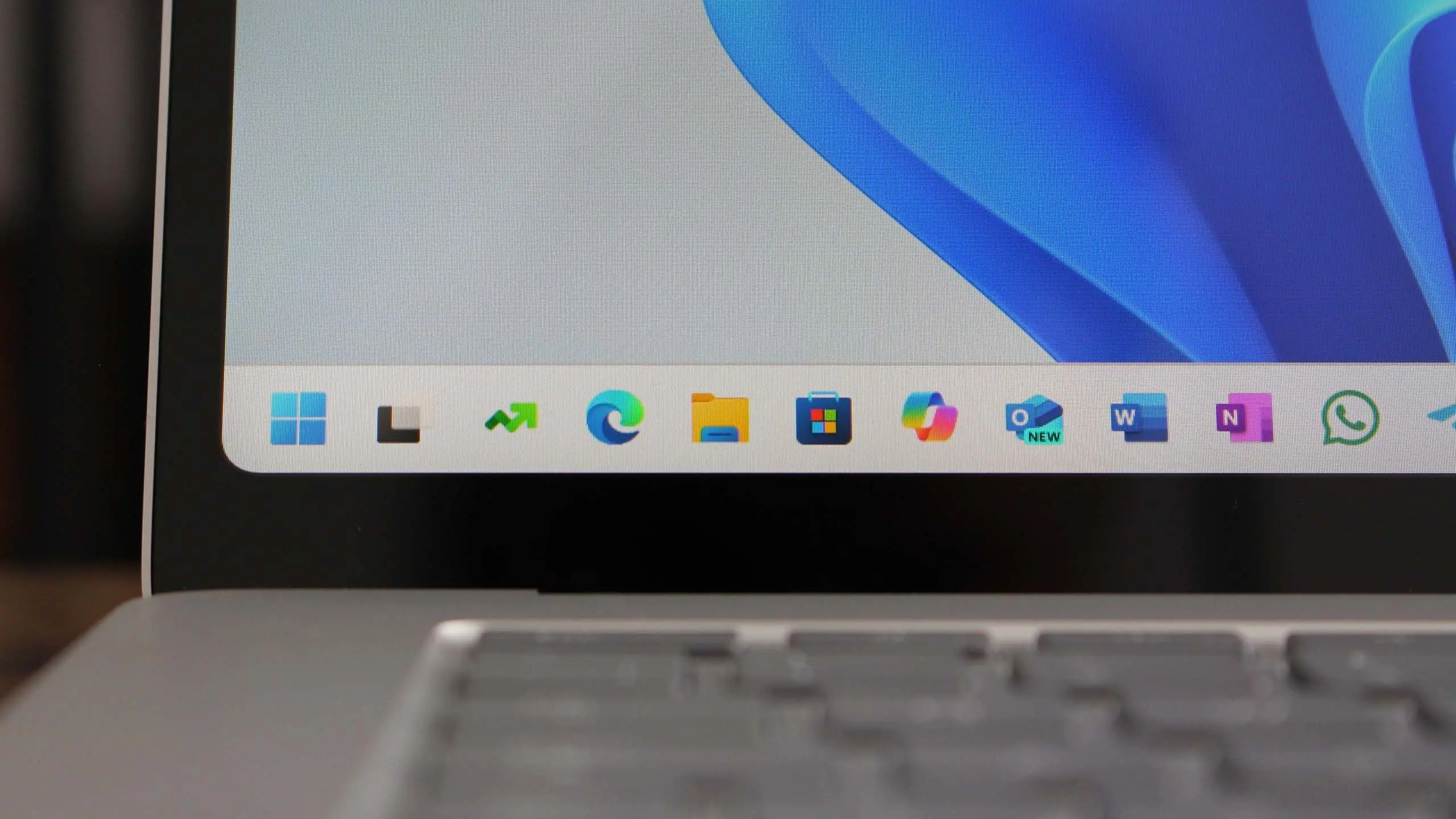
Introduction to Windows 11 version 25H2
Microsoft continues its annual cadence of major Windows 11 feature updates, and the next in line is version 25H2. While still under development and shrouded in speculation, early builds and industry leaks hint at significant improvements. This article aggregates everything we know so far about Windows 11 25H2, from its expected release window to the most exciting new features.
Release Timeline: What to Expect
Microsoft typically releases a major Windows 11 update in the second half of the year. Following the pattern of 23H2 (late 2023) and 24H2 (late 2024), version 25H2 is likely to ship between September and November 2025. Insiders on the Dev Channel can expect preview builds starting in early 2025, with the Release Preview channel getting the final build a few weeks before public rollout. Microsoft may also follow a phased approach, rolling out the update gradually to ensure compatibility.
Key Features and Improvements
AI Integration Expands
With the introduction of Copilot in Windows 11 23H2, Microsoft has been steadily weaving AI into the OS. Version 25H2 is expected to deepen this integration. Rumors suggest a more context-aware Copilot that can manage system settings, launch workflows, and even transcribe meetings directly from the desktop. New hardware neural processing units (NPUs) in upcoming CPUs will be fully supported, enabling on-device AI for faster, private processing.
Enhanced Desktop and Multitasking
Desktop management is a key focus. Windows 11 25H2 may introduce advanced virtual desktop features, such as per-desktop wallpapers, custom layouts, and the ability to group apps into dedicated workspaces. Snap Layouts could get smarter, automatically suggesting arrangements based on your usage patterns. The Taskbar, still a point of contention, might receive more customization options, including never-combine icons and a smaller taskbar mode.
File Explorer Revamped
File Explorer has undergone changes in recent updates, and 25H2 will likely polish the interface further. Expect a modernized home page with cloud file integration from OneDrive and third-party providers like Google Drive and Dropbox. Tabbed browsing will receive new gestures, and the address bar may incorporate AI-powered search that understands natural language queries, such as "find documents from last week about budgets."
Security and Privacy Upgrades
Security remains a top priority. Windows 11 25H2 is expected to enforce hardware-backed encryption more strictly, expand Pluton security processor support, and introduce a new "Secure Core" mode for enterprise devices. Microsoft Defender for Endpoint will gain additional behavioral monitoring capabilities. Privacy settings will be revisited, giving users more granular control over telemetry data collected by Microsoft services.
Performance and Battery Life
Performance tweaks under the hood will likely include a new memory management algorithm that reduces background activity when the device is on battery, extending battery life by up to 15%. The update scheduler will become more intelligent, pausing non-critical updates during active hours. DirectStorage 2.0, already available in games, may be extended to general file operations, making app launches faster on NVMe SSDs.
Revamped Settings and Control Panel
The gradual migration from the old Control Panel to the Settings app continues. In 25H2, many legacy Control Panel applets may finally be removed, replaced by modern equivalents in Settings. Expect a redesigned System > Display section with integrated HDR calibration, and a new 'Devices & Printers' page that supports Bluetooth LE Audio devices natively.
Windows Subsystem for Linux (WSL) and Dev Tools
Developers get better WSL integration, including GPU acceleration for machine learning workloads without proprietary drivers. The Windows Terminal will gain a new 'AI Command Palette' that can generate command-line snippets from descriptions. Additionally, version 25H2 may ship with a new 'Dev Drive' feature that creates a dedicated, performance-optimized volume for source code and build artifacts.
System Requirements: Will My PC Support It?
Microsoft has not officially changed the system requirements for Windows 11 since its launch, and version 25H2 is expected to maintain the same baseline: a 1 GHz dual-core 64-bit processor, 4 GB RAM, 64 GB storage, UEFI with Secure Boot, TPM 2.0, and a DirectX 12 compatible GPU. However, some features—especially AI-based ones—may require a newer CPU with an NPU. Devices without NPUs may still run the OS but miss some AI functions. It's advisable to check for firmware updates from your PC manufacturer before upgrading.
Comparison with Windows 11 24H2
Version 24H2 focused on the first wave of AI features, improved touch gestures, and energy recommendations. Version 25H2 builds on that foundation, refining the AI experience and adding deeper customization. While 24H2 was a substantial release, 25H2 is expected to be more evolutionary, polishing existing features rather than introducing radically new paradigms. The update will be delivered via Windows Update as a small feature update, similar to 23H2, rather than a full OS build upgrade.
Enterprise and IT Considerations
IT administrators should prepare for compatibility testing with line-of-business applications, especially those reliant on legacy Control Panel settings that may be removed. Microsoft will provide a 24-month support lifecycle for the Enterprise and Education editions. Group Policy and MDM policies will be updated to manage new privacy and AI settings. The Windows 11 25H2 enablement package will allow enterprises to deploy the update via Windows Server Update Services (WSUS) and Microsoft Intune.
How to Get Windows 11 25H2 Early
Enthusiasts eager to test the new features can join the Windows Insider Program. Select the Dev Channel for the earliest, most unstable builds, or the Beta Channel for more polished previews. Note that these builds may have bugs and are not recommended for primary work machines. The final version will be offered free of charge to all Windows 11 users via Windows Update.
Potential Challenges and Criticisms
As with any major update, Windows 11 25H2 may face criticism over forced feature updates, privacy concerns, and hardware obsolescence. The increasing reliance on AI and cloud services may concern some users. Microsoft has promised to keep offline capabilities intact, but the direction is clear: a more connected, intelligent operating system. Compatibility with older peripherals and third-party antivirus software may also be a short-term issue.
Microsoft is expected to announce more concrete details about Windows 11 version 25H2 at its Build conference in May 2025. Until then, the information here is based on industry reports, developer preview snippets, and Microsoft's public roadmap. Keep an eye on official channels for the latest updates as the release approaches.
Source: Windows Central News