

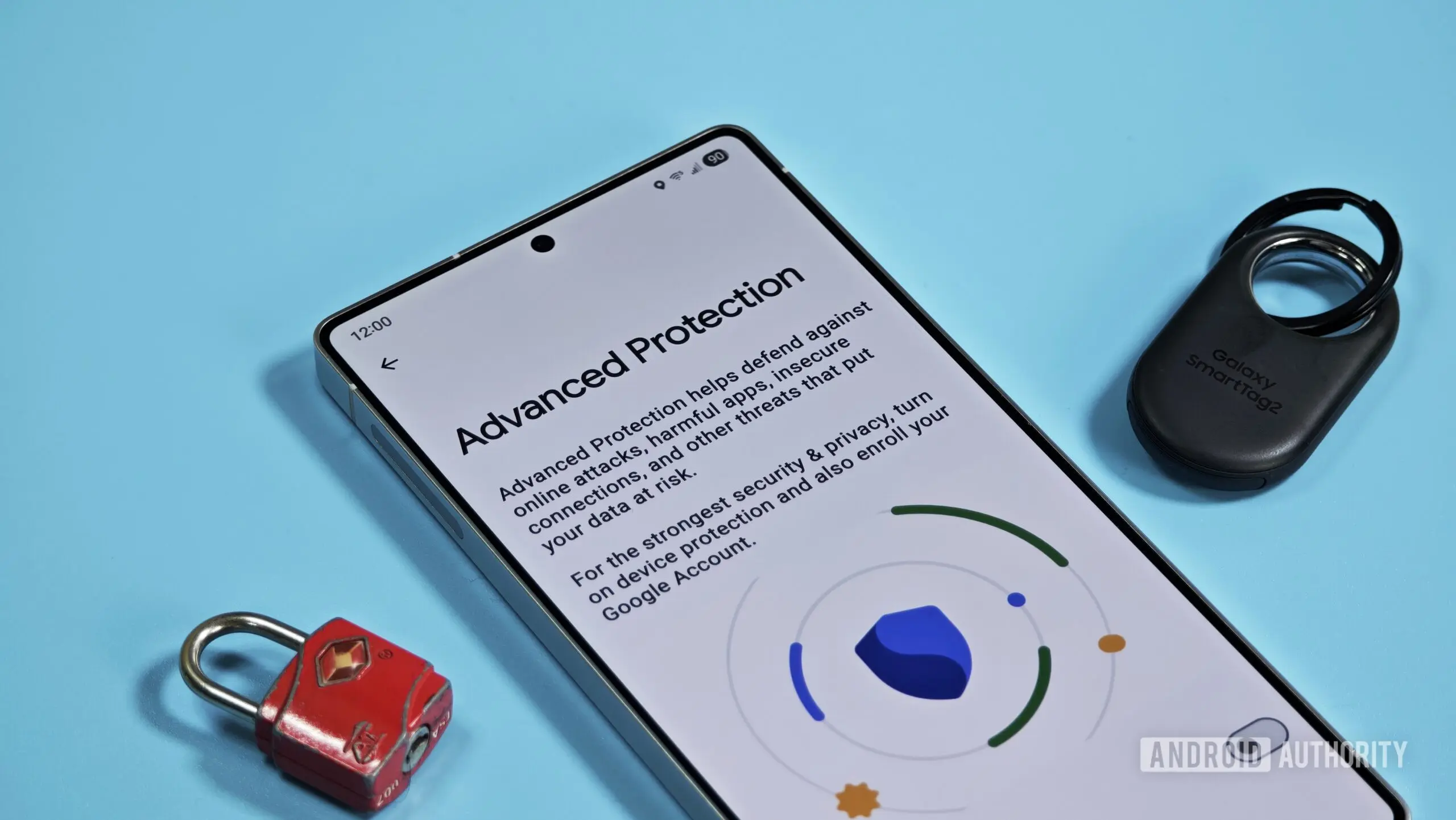
Android's Advanced Protection Mode is widely regarded as the most secure configuration available on Google's mobile operating system. Designed to shield users from sophisticated attacks, it bundles a range of protections that block harmful apps, prevent sideloading, disable USB data signaling, and restrict connections to insecure 2G networks. Now, evidence suggests that Google is preparing to make this mode even stricter by potentially locking down the Developer Options menu — a feature cherished by power users and developers alike.
Code strings discovered in the latest version of Google Play Services (version 26.25.31) indicate that Advanced Protection Mode may soon automatically disable or prevent access to Developer Options. The strings, labeled aapm_developer_options_disabled_title and aapm_developer_options_disabled_summary, translate to “Blocks developer options” and “Restricts access to developer options.” This strongly suggests that Google is actively working on integrating this restriction into the system-level protection framework.
What is Developer Options?
Developer Options is a hidden menu in Android that provides access to a wide array of system settings intended for app developers and advanced users. To enable it, users typically tap the “Build Number” in the About Phone section multiple times. Once active, the menu offers tools such as USB debugging, which allows a computer to execute commands on the device; Wireless debugging, which does the same over Wi-Fi; OEM unlocking, which is a prerequisite for bootloader unlocking; mock location apps; background process limits; and various animation scaling options. While these tools are invaluable for testing and customization, they also create potential security vulnerabilities, especially if a device falls into the wrong hands.
The Security Loophole
Advanced Protection Mode is designed to create a tightly controlled environment where high-risk actions are either blocked or severely restricted. However, Developer Options remains accessible even when Advanced Protection is enabled, creating a gap that can be exploited. With physical access to a device, an attacker could enable USB debugging and use Android Debug Bridge (ADB) to install malicious software, extract data, or alter system settings. Similarly, OEM unlocking could be toggled on, paving the way for bootloader unlocking and further compromise. By removing access to Developer Options, Google would close this loophole, ensuring that the protections of Advanced Protection Mode are not undermined through this backdoor.
Historical Context of Advanced Protection Mode
Google introduced Advanced Protection Mode to address the needs of high-risk users such as journalists, activists, politicians, and corporate executives who face targeted cyber threats. The mode was first launched for Google accounts in 2017 and later extended to Android devices. Initially, it enforced strict restrictions on app sideloading, USB data transfers, and insecure network connections. Over the years, Google has expanded its capabilities, and blocking Developer Options would be a logical next step. The move aligns with a broader industry trend of simplifying security by reducing the attack surface — even if it means inconveniencing power users.
Implications for Power Users
For users who rely on Developer Options for legitimate purposes — such as app testing, debugging, or custom ROM development — this change could be frustrating. Power users often enable Advanced Protection Mode for its robust security features, but losing access to Developer Options might force them to choose between security and functionality. However, Google may offer a workaround, such as temporarily disabling Advanced Protection Mode to access Developer Options, or providing a whitelist mechanism for trusted scenarios. Alternatively, the restriction might only apply when Advanced Protection is fully active, with options to disable it for session-based development work.
Release Timeline and Future Outlook
It remains unclear when this feature will roll out to users. The code strings were found in Google Play Services, which suggests that the implementation is system-level and could be delivered via a Play Services update rather than tied to a specific Android OS version. This means the change could arrive with Android 16, expected later this year, or even be backported to older versions through Google Play Services updates. Some speculate that Android 17 might bring more comprehensive integration. Regardless, the addition makes strategic sense as Google continues to harden Android against increasingly sophisticated threats.
Beyond Developer Options, Advanced Protection Mode may see further enhancements. Google has been exploring ways to block side-loading of apps from untrusted sources, restrict access to accessibility services for malicious purposes, and enforce stricter permissions for background activities. Each new layer of protection aims to reduce the risk of zero-click exploits and supply chain attacks that target high-profile individuals. While these measures may limit flexibility, they reflect a shift toward a security-first approach in mobile operating systems.
In conclusion, the potential blocking of Developer Options under Advanced Protection Mode represents a significant evolution in Android's security posture. By removing a known attack vector, Google aims to provide a truly locked-down experience for those who need it most. Power users will need to adapt, but the trade-off may be worth it in an era where mobile devices are increasingly targeted. As the feature progresses through development, more details will likely emerge about how Google balances security versus user control.
Source: Android Authority News