

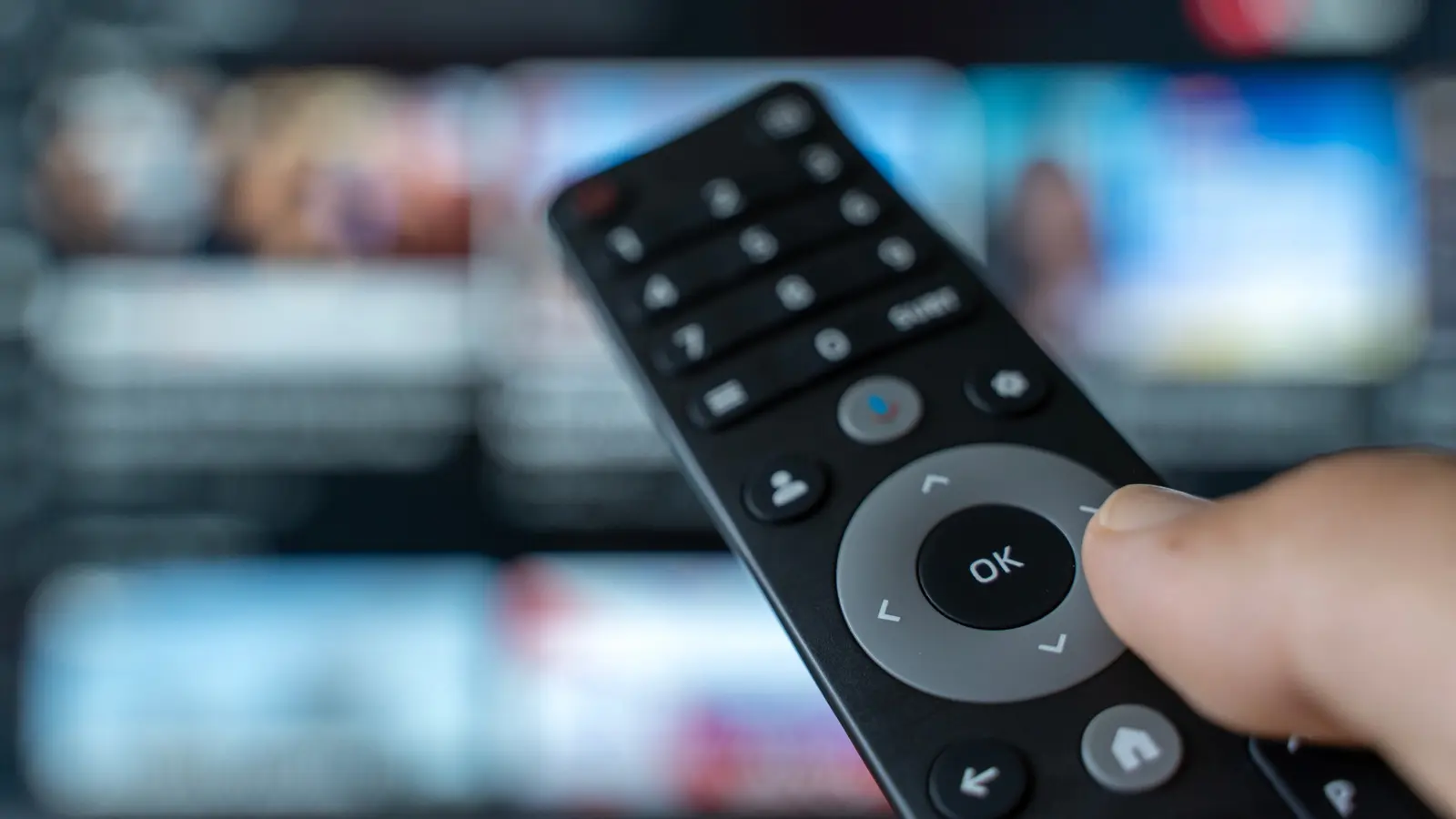
No television would be complete without a remote control. TV companies have started to take liberties with this tried-and-true control method, from making them really tiny and eliminating buttons to incorporating microphones and even screens on remote controls. While many modern smart TVs have shifted to Bluetooth or Radio Frequency (RF) connections, there are still millions of good old-fashioned infrared and universal remote options out there. Every TV owner also knows that a remote control getting dirty is pretty much unavoidable.
Whether it's dust from not using it very often or from the oil of snacks you prepared for movie night, it's just a fact of life — remote controls get dirty. Cleaning a remote control is simple, and you should try to do it monthly, especially if someone in your house is sick, to kill any potential germs. All you need is 70% rubbing alcohol, a microfiber cloth, and some toothpicks, all of which you probably already have lying around the house.
But why limit cleaning to once a month? Some households might need more frequent attention. If you have young children or pets, or if you frequently eat while watching TV, dirt and bacteria can accumulate much faster. Remote controls rank among the most touched surfaces in a home, often shared by multiple people, yet they are rarely cleaned as often as light switches or door handles. Studies have shown that TV remotes can harbor more germs than a toilet seat, especially during cold and flu season. This underscores the importance of a regular cleaning schedule.
The cleaning process itself is pretty straightforward. First, for safety, ensure that you remove the batteries from the remote. Then dab or spray a bit of rubbing alcohol onto the microfiber cloth and gently wipe down the remote. If you can't find 70% isopropyl alcohol, don't worry, you can also use a standard electronics-safe disinfecting wipe, which is among the useful gadgets and tools to keep your electronics clean and sanitized. This helps with stickiness, and as we know, stickiness is an unavoidable reality with any remote control, whether that is from food and skin creams, or perhaps the remote you have is really old, and the buttons have developed rubber reversion.
If you're cleaning your remote primarily to kill germs or disinfect it after someone in your house was sick, the American Chemistry Council has a handful of products, which were approved during the COVID-19 days, including Lysol and Clorox disinfecting wipes. However, be cautious – wipes that contain bleach or harsh chemicals can damage the plastic or the printed labels on the remote. Always check the manufacturer's guidelines for your specific remote model. For delicate remotes with touch screens or sensitive coatings, use a dry microfiber cloth or a specialized electronics cleaner instead.
Once you wipe it down, use a toothpick to remove any leftover grime around the buttons' edges. For stubborn dirt stuck in crevices, you can also use a soft brush or compressed air. Then, dry off the remote thoroughly with a separate clean cloth. Re-insert the batteries only after the remote is completely dry to avoid short circuits. You may then continue your Netflix movie nights with a fresh, clean remote. Not only does cleaning the remote control help maintain good hygiene around the house, but let's face it, none of us wants to hand one of our guests a dirty remote with sticky buttons. We might risk never having them as our guests again.
Beyond the basic routine cleaning, consider deeper cleaning for remotes that get heavily soiled. For example, if you have a universal remote that controls multiple devices, it sees more use and may need cleaning every two weeks. Game console controllers are often overlooked but can be just as dirty. The same principles apply: remove batteries, wipe with alcohol, and use toothpicks for the joystick and button edges. For voice-controlled remotes with microphones, avoid getting liquid near the microphone hole. Use a slightly damp cloth and wring it out well before wiping near openings.
The type of remote also influences cleaning frequency. Infrared remotes have a clear plastic window at the front that can get smudged, interfering with signal transmission. Cleaning that window with a dry cloth can improve performance. Bluetooth remotes do not rely on line-of-sight, but their buttons still accumulate grime. Remotes with rubber keypads are especially prone to attracting dust and oils, and over time the rubber can become sticky or degrade – this is called rubber reversion. Regular cleaning slows that process.
Storage matters too. Avoid leaving remotes on couch cushions or on the floor where they can collect pet hair and crumbs. Consider using a remote caddy or a drawer to keep them clean between uses. Some people even wash their remote cases if the buttons are removable. Always check if your remote has a removable silicon skin for easier washing.
Finally, remember that cleaning is not just about aesthetics. A clean remote works better. Sticky buttons may not press correctly, and caked-on dirt can prevent the infrared signal from reaching the TV. Monthly cleaning, or more often if needed, ensures that your remote lasts longer and stays sanitary. By making this a habit, you protect your family's health and keep your entertainment devices functioning optimally.
Source: SlashGear News