

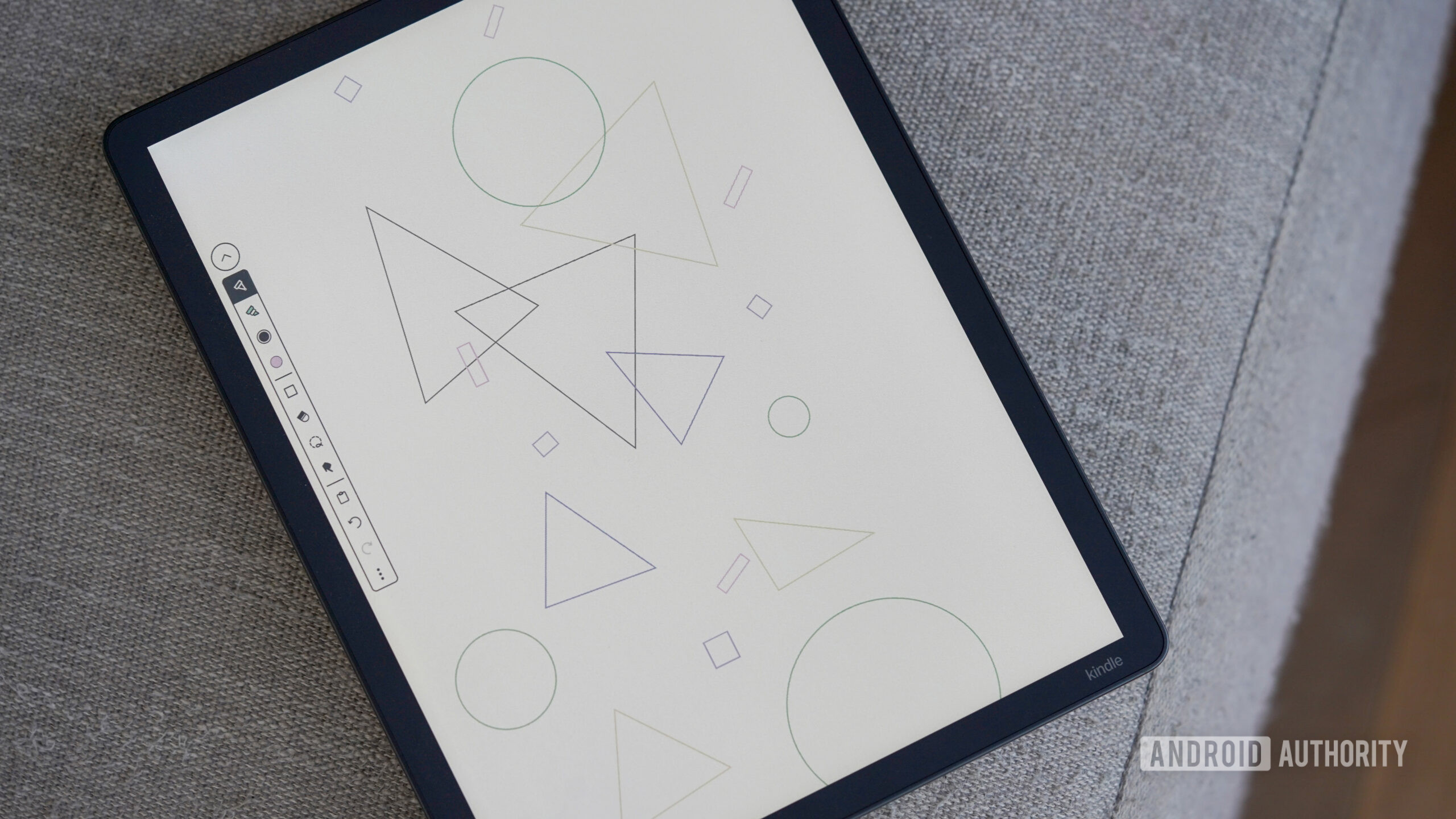
Good news has arrived for Kindle Scribe users, as the device now supports a much-anticipated feature: smart shapes. This innovative tool transforms rough sketches into neat diagrams, providing a significant upgrade for users who value precision in their notes.
With the smart shapes feature, hand-drawn shapes are automatically refined into cleaner, more precise versions. This addition is part of the latest firmware update for the Kindle Scribe, although Amazon's release notes did not highlight it. Instead, the notes primarily addressed PDF improvements, leaving users to discover the new feature as it gradually rolls out.
Smart shapes include a variety of basic geometric forms such as squares, circles, triangles, lines, and arrows. These shapes are essential for organizing notes and enhancing the clarity of sketches. Utilizing the tool is straightforward: users simply draw the desired shape as best as they can and hold the stylus in place for a moment, allowing the shape to snap into a perfect form. Once the shape is locked in, a menu pops up, offering options to resize, rotate, copy, cut, or delete the shape. Additionally, users can adjust the line thickness and fill the shape using the color palette available on supported Kindle Scribe models.
Shape recognition has been a standard feature on competing e-ink tablets for several years, and its absence on the Kindle Scribe had left some users feeling that the device was somewhat lacking, particularly for those who struggle to draw perfect shapes by hand. The introduction of smart shapes aligns the Kindle Scribe more closely with user expectations for devices in this category, making it a more competitive option in the e-ink tablet market.
The rollout of the smart shapes feature is happening gradually. Some users have reported receiving the update, while others are still waiting for it to arrive on their devices. To check if your Kindle Scribe supports smart shapes, ensure that you are using the latest software version, which is 5.19.3.0.1. You can verify this by opening a new notebook; if smart shapes are available, tutorial images will appear to guide you through the new functionality.
This update is a welcome enhancement for perfectionists and creatives alike, allowing for a more polished and organized note-taking experience. The smart shapes feature not only enhances the usability of the Kindle Scribe but also aligns it with the needs of users who demand precision in their digital sketches.
Source: Android Authority News